




















Poll your audiences in real-time
Lead interactive online polling, surveys, Q&As, quizzes, word clouds, and more.
- Share and organize activities such as Surveys, Word clouds, and Q&A with teams to collaborate seamlessly online
- Create custom branded poll templates in your own way
- Access hands-on training and priority support to get help when you need it, how you need it

Trusted by 82% of the Fortune 500 and 91% of R1 Universities
University or company-wide solutions
Improve teaching, increase participation, and boost engagement with the polling tool designed for universities and large corporate teams.
- SOC 2 type 2 audited security
- SAML single sign-on integration (SSO)
- Dedicated success manager plus priority support
- Create reports and access archived poll responses
- LMS integration
Works seamlessly with the tools you're already using
Embed and present directly within slideware, team communication, and more.
Ask interactive questions that get participants talking

Actionable team insights
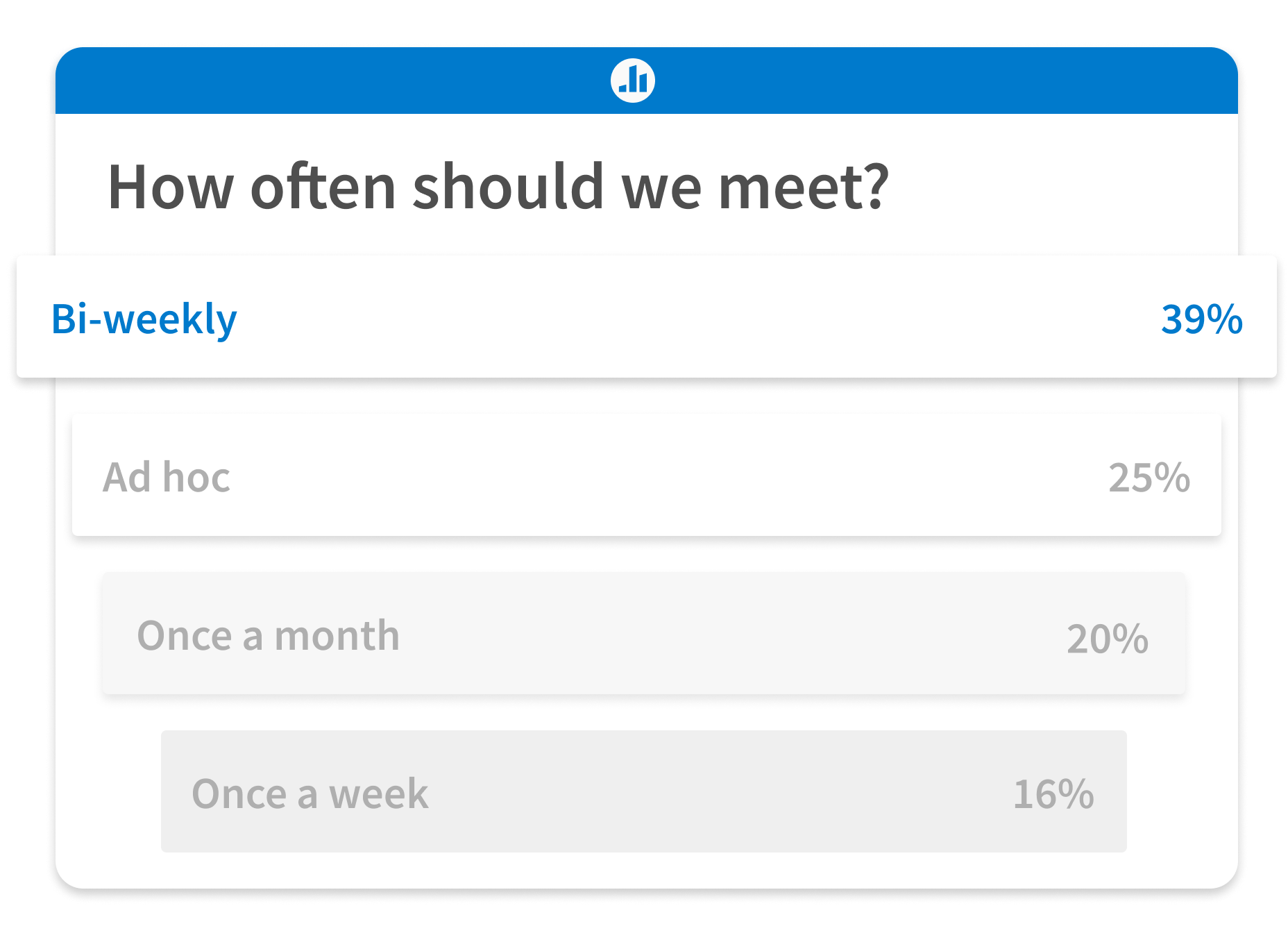
Visualize employee feedback in real time with a variety of activities — then measure engagement, follow up on feedback, and uncover next steps.

Productivity at scale
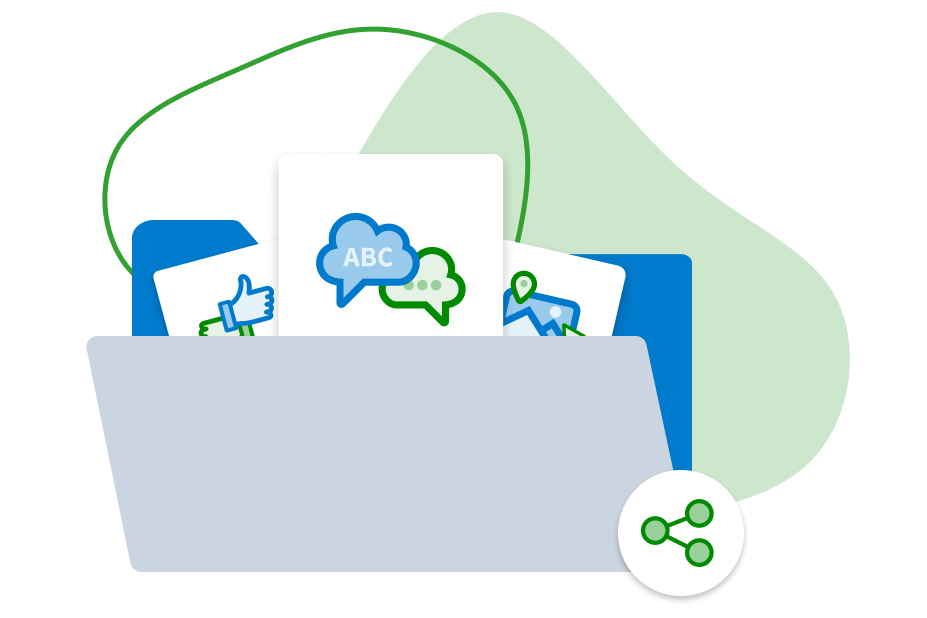
Organize engaging content with a fully customizable Folders and navigation system built to fit your team's unique workflows.

Apps that work where you do
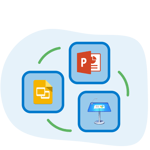
Download the Poll Everywhere app for PowerPoint, Keynote, or Google Slides and add polls to your existing presentation decks in just a few clicks.
Create engaging activities
Choose from a variety of activity types that let you visualize responses in real time, like open-ended Q&As, multiple choice, and word clouds. Each activity type encourages audience participation and helps you collect a different kind of feedback.
Discover insights
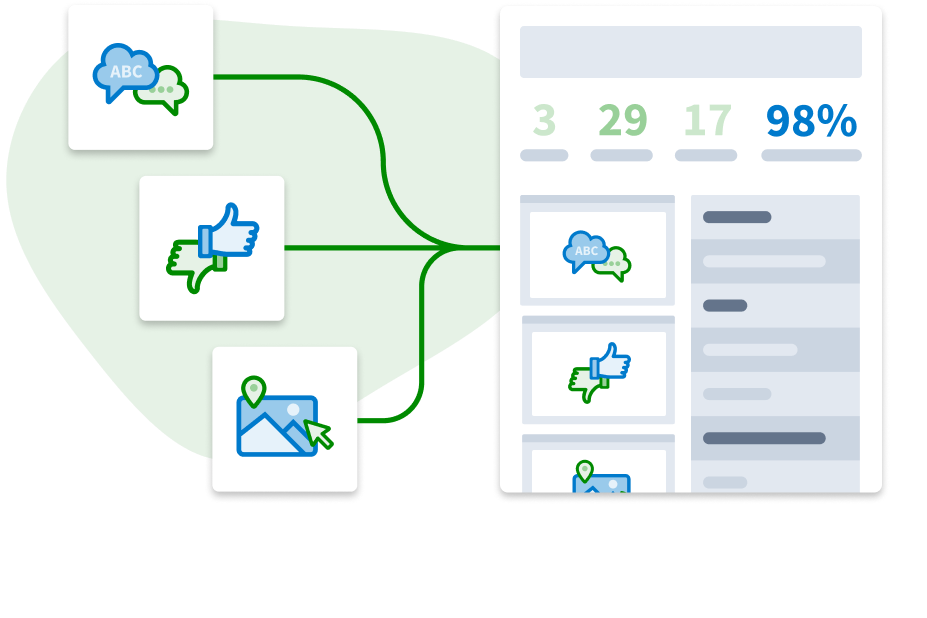
Identify knowledge gaps or areas of particular interest as the group’s responses appear on the screen, then direct the conversation accordingly. Post-meeting, easily generate response reports for even greater insights.
Share with the group
Present your activities from the web or by adding them to your slides in PowerPoint, Keynote, or Google Slides with the Poll Everywhere app. Once you share your screen, the conversation begins!